Troubleshooting and limits
What the guide is, and is not
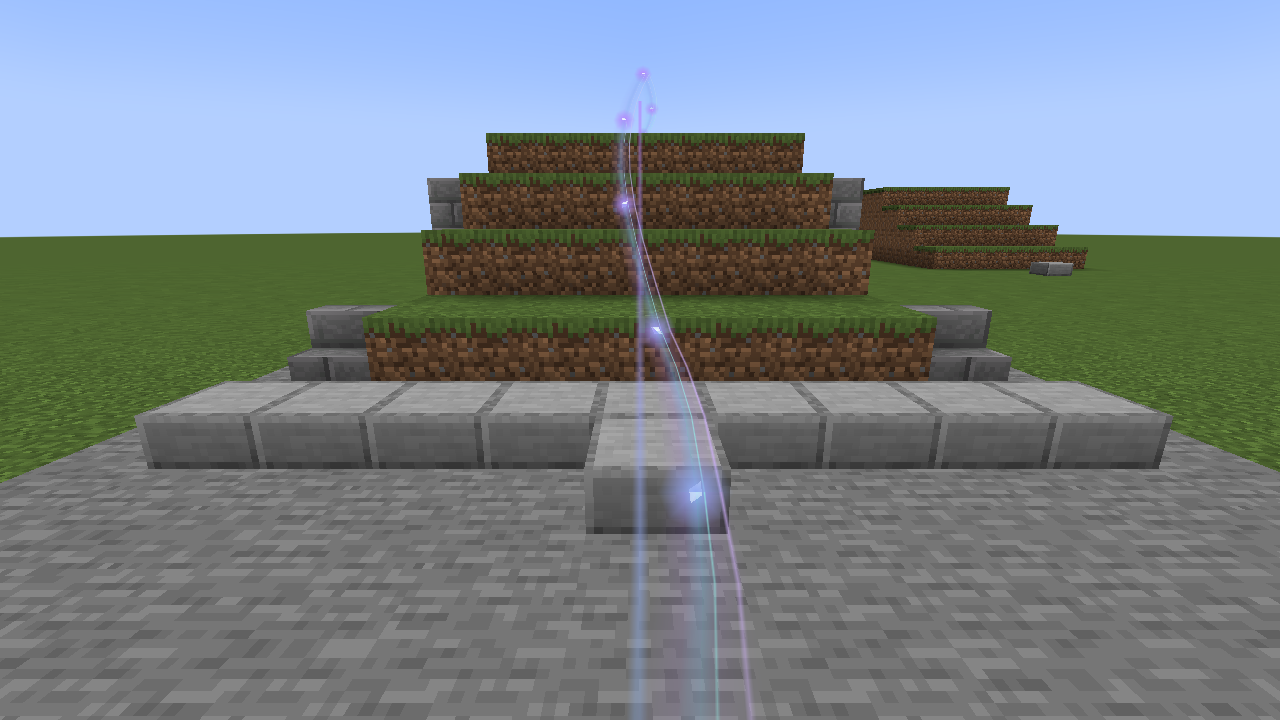
Section titled “What the guide is, and is not”Lodestar is a directional guide, not a pathfinder. It shows you which way your destination lies and leads you over the ground toward it, but it does not plan a route around obstacles.
- Loaded terrain only. The trail is built from the ground your game has loaded. Beyond that, or over missing chunks, it stops. Your destination can be any distance away; the trail simply reaches as far as it can see.
- No routes around walls. The trail rises over steps and small obstacles, but it does not find doors, tunnels or bridges. A wall, cliff, void or tall obstacle leaves a gap, marked by a small split ring when Obstacle warning is on.
- The fairy light is a light, not a creature. It flies toward your destination and waits for you; it does not find a way through caves or around walls.
- Roofs and ceilings. Indoors or in caves, the trail may settle on a roof or ledge above you, because it looks for the first ground below a line drawn toward the target.
- Straight up or down. A destination directly above or below can make the trail shrink to a point. The arrow says “blocks above” or “blocks below”, and turning Follow terrain off in Settings draws a straight line through the air instead.
- Recorded walks. Retrace my steps follows where you went, but the world may have changed since.
- Just for you. Lodestar is client only. Other players cannot see your guide, and Lodestar never changes the world, adds items or teleports you.
Common questions
Section titled “Common questions”I cannot find the Lodestar button
Section titled “I cannot find the Lodestar button”The star sits beside the pause menu’s centre buttons. If other mods fill that space, it moves to a free spot or the top right corner, and in rare cases there is no room at all. Bind the Open Lodestar key (Quick guide and keys), or type /lodestar destinations to open Places.
My guide disappeared
Section titled “My guide disappeared”- You may have arrived. The guide hides within the arrival radius (3 blocks to start with) and comes back if you walk away.
- It may be paused. The Lodestar menu says “Guide paused”; press Resume guide. The Toggle guidance trail key pauses it too.
- The destination may be in another dimension with no learned portal. See Portals.
- The arrow hides when the HUD is hidden (F1) and while a menu is open.
The trail stops short or has gaps
Section titled “The trail stops short or has gaps”That part of the way is not loaded, or is blocked. Walk closer and the trail extends as more ground loads. See the limits above.
My places are missing on a server
Section titled “My places are missing on a server”Lodestar keeps a separate list for each world and server address. Joining by a different address, or renaming a singleplayer world’s folder, starts a new list. See One list per world and player.
Lodestar says changes cannot be saved
Section titled “Lodestar says changes cannot be saved”A saved file could not be read, so Lodestar is keeping it safe instead of writing over it. See When a file is damaged.
There is no Guide with Lodestar button in my map
Section titled “There is no Guide with Lodestar button in my map”Lodestar’s buttons appear only in the Xaero’s version it supports. With another version, Lodestar says in chat that its integration “is inactive for this map version” and names the supported version after “Supported:”. If your JourneyMap is too old, the game says so when it starts. See Map mods.
List sizes
Section titled “List sizes”| List | Holds |
|---|---|
| Saved places | 32 per world |
| Recent places | The last 5 |
| Journey (Places) | 63 waiting stops |
| Saved journeys | 32, each up to 64 stops |
| Learned portals | 64 per world; the oldest is forgotten first |
| Saved looks | 8, shared by all worlds |
| Recent colours | 6 |
| Recorded walks | No limit; everything is kept |
| Names | 48 characters for places and journeys; 32 for saved looks |
When a list is full, the button that would add to it is greyed out, and its tooltip says what to remove.
Report a bug
Section titled “Report a bug”Bug reports go in the comments on Lodestar Trail’s CurseForge page once the mod is published there.
Include your Minecraft and NeoForge versions, the Lodestar version (shown in the Mods list), any map mods you use, what you did and what happened. If the game crashed or showed an error, attach logs/latest.log from your game folder.